Incident detection
Individual signals, correlated into one incident automatically
An error-rate spike doesn't just open one more issue; it opens (or updates) one incident, with whatever else changed nearby, a deploy, a slow dependency, a struggling database, already attached to it.
One trigger, several kinds of correlated evidence
A sweep runs every minute, comparing a project's event count over the last 5 minutes against the 5 minutes immediately before that, the same trend comparison Performance's own trend arrows use. Crossing both a 100%+ jump and a floor of 20 events in the newer window is what actually opens an incident; a project quiet enough that going from 1 event to 3 would technically be a 200% jump never counts, because it never clears the volume floor either.
Once open, the same tick looks for whatever else changed nearby: any Deploy within the last 2 hours, and any controller/external-service/database trend that also crossed its own 100%+ threshold in the same window. All of it lands on the incident as correlated signals, not as separate, disconnected alerts a human has to notice happened around the same time.
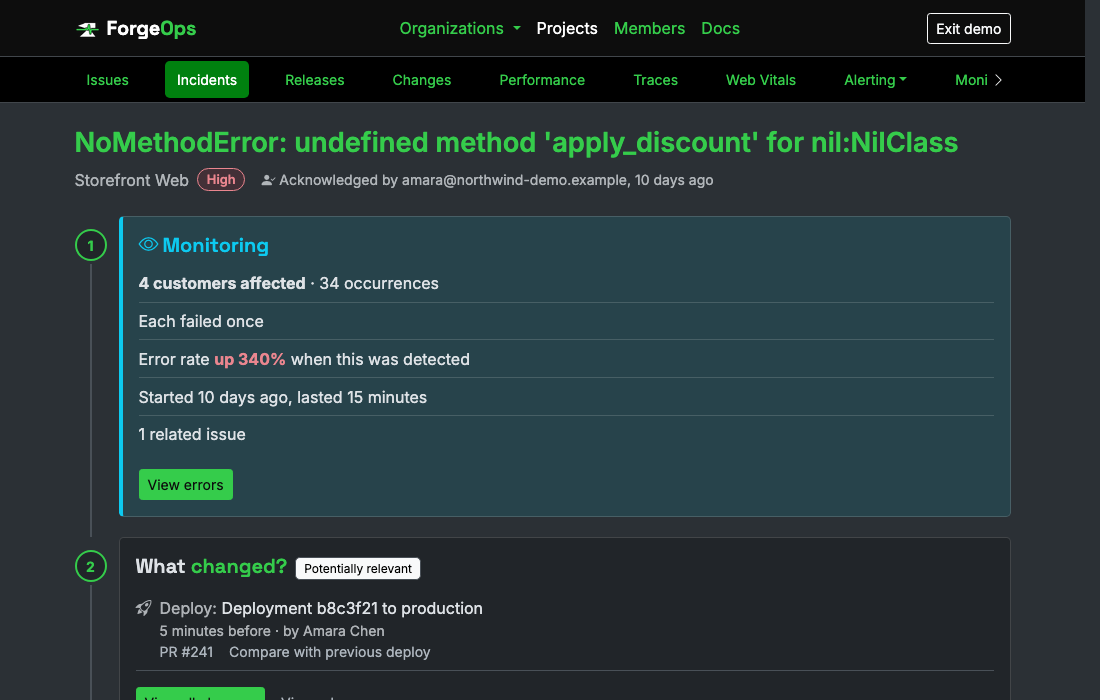
One incident, not a dozen separate alerts to piece together by hand.
Named after the bug driving it, not left generic
When one issue accounts for at least half of the new events in the spike window, the incident is titled after that issue directly, not a plain "error rate spike." Short of that share, no single issue obviously explains the whole thing, so the title falls back to a project-level one instead of pointing at whichever issue merely happened to be biggest of several unrelated ones.
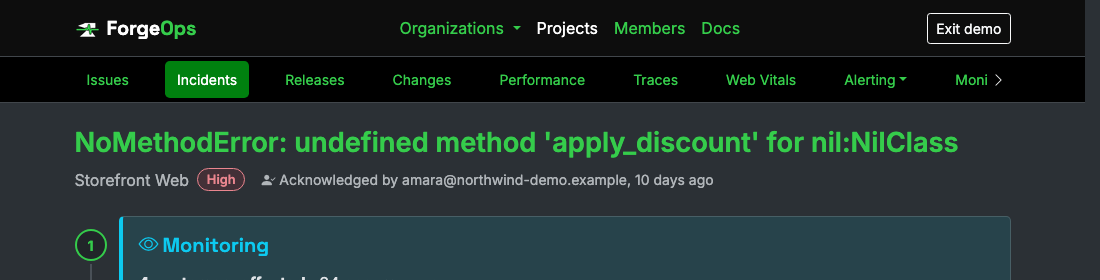
Named after the real issue, not a generic "error rate spike."
Severity computed from real numbers, not guessed
Critical is a 400%+ error-rate increase or 500+ affected customers; high is 200%+ or 50+; anything past the original 100% trigger but under those is medium. Recomputed on every tick the incident stays open, from the incident's own real error_rate_spike signal and a live distinct count of affected users in its own detection window, never stamped once at creation and left stale while the incident itself keeps evolving.
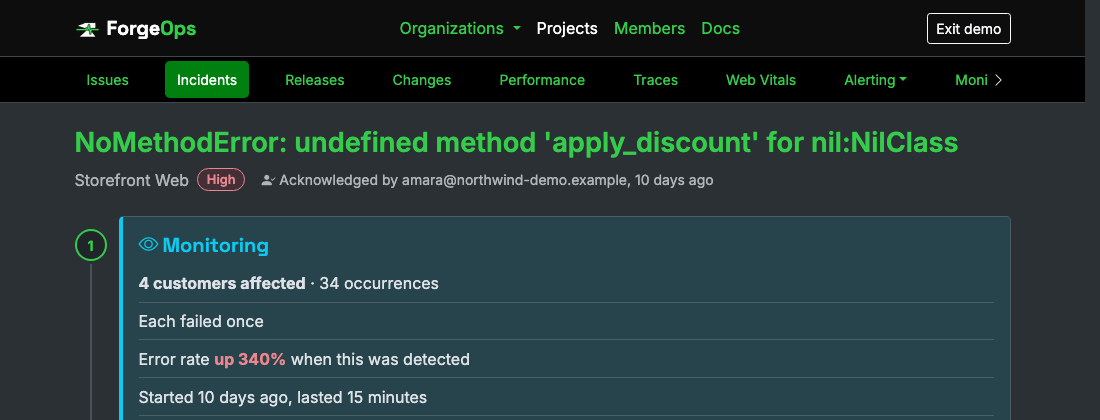
Severity computed from the real error-rate increase and the real number of affected customers.
Resolves itself, when it's really over
An open incident is measured against what was normal before it began, not against the few minutes just gone. It stays open for as long as the last ten minutes of errors are still at least double that normal rate, so an outage that settles at a steady high rate stays an open incident for as long as it's failing. It resolves once the errors have been back down for a full ten minutes, and never in its first ten: a single quiet minute right after a genuine spike doesn't close it.
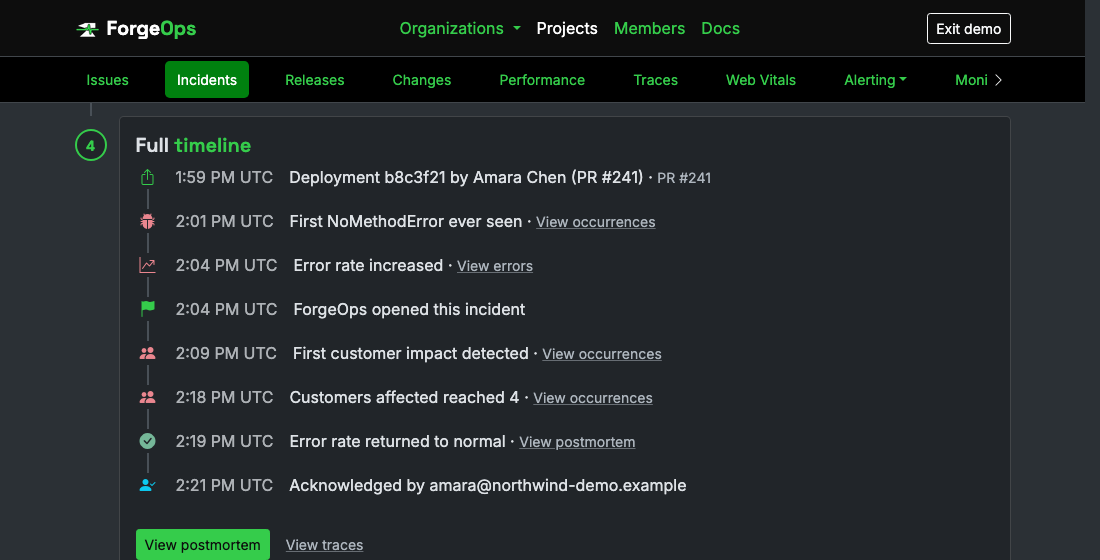
Resolves itself once the error rate has genuinely calmed down, not on the first clean check.
Works from the tools you already send errors to
Installing an SDK isn't the only way in. Under a project's Settings, Connections, connect Sentry, Honeybadger, Datadog, or Splunk and ForgeOps reads that project's new errors from there every few minutes, then treats them like any others: grouped into issues, watched for incidents, and given a likely cause.
A connection only ever reads. ForgeOps sends read requests and nothing else, asks for a credential that can only read where the tool offers one, and says so plainly where it doesn't. Before anything is imported, a review page shows how many errors to expect against your plan's monthly events, so the usage is never a surprise. Business plan and up.
See it on your own data
Free plan included, no credit card required. New organizations start with 14 days of Business.
Get started freeGet