Microsoft Teams
Alerts posted straight into the channel your team already watches
A plain HTTPS POST to a Teams Workflow webhook URL by default: no bot to register, no tenant admin consent to request. Connect the ForgeOps Teams Bot instead when you want real Resolve/Ignore buttons on the message itself.
- One Teams Workflow webhook URL per rule, generated from the "Post card when a webhook request is received" template
- A new issue, a regression, a spike, or a missed heartbeat, each its own Adaptive Card with a button back to the issue
- Delivery runs off the ingestion hot path, same as every other channel here, so a slow or unreachable webhook never adds latency to reporting an error
- Optional: connect the ForgeOps Teams Bot for interactive Resolve/Ignore buttons, actionable right from the message
A Workflow webhook URL, not a bot to install, by default
Microsoft retired the old Office 365 Connector webhooks Teams used to use; today's equivalent is a Workflow, built from Teams' own "Post card when a webhook request is received" template, which hands you a URL the same way Slack's "Incoming Webhooks" app does. Paste that URL into the rule's target field and delivery works immediately: no bot to add to the team, no tenant admin consent screen to get approved first.
The payload is an Adaptive Card: the alert's status, what broke and where, who's affected, what changed just before, the likely cause with its evidence, and an "Investigate in ForgeOps" button, the same content every other channel gets. It shares the exact same HTTP-delivery path as Slack and the generic Webhook channel under the hood.
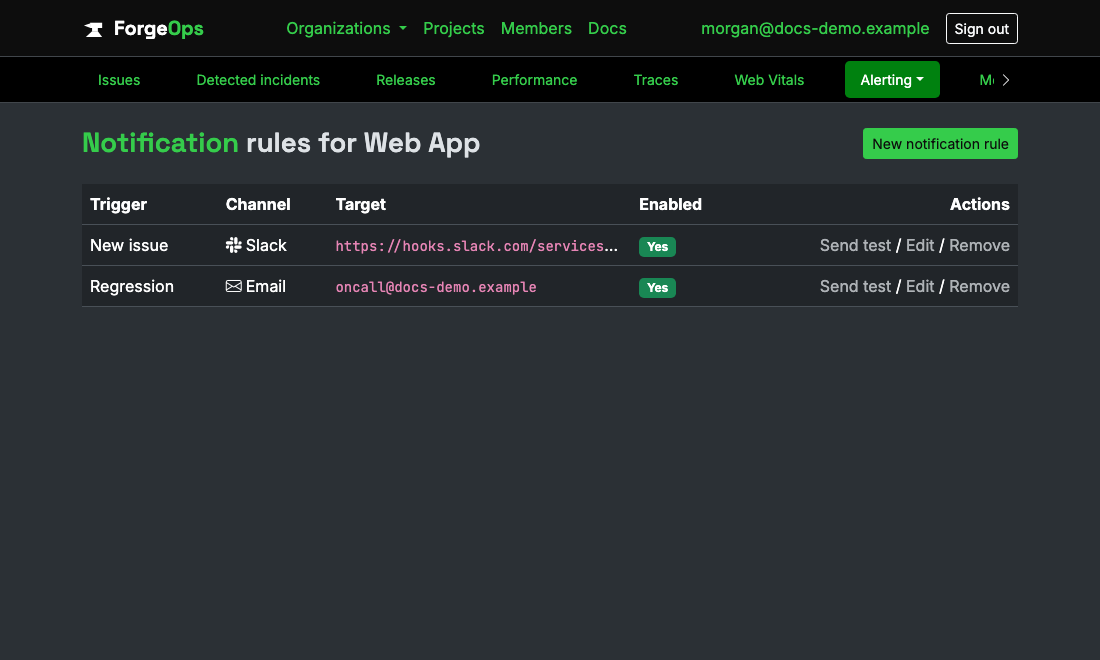
Teams is configured exactly the same way as every other channel here.
Optional: interactive buttons via the ForgeOps Teams Bot
Connecting the ForgeOps Teams Bot to a channel (sideload the app once, then type a short connect code into that channel to link it) unlocks a second way to point a rule: pick the connected channel directly instead of pasting a webhook URL. A rule pointed at a connected channel gets real Resolve/Ignore buttons directly on the alert for issue-triggered notifications, no need to switch back to ForgeOps to act on it.
The two paths coexist freely: a webhook-URL rule and a bot-connected rule can both exist side by side, on the same project, at the same time.
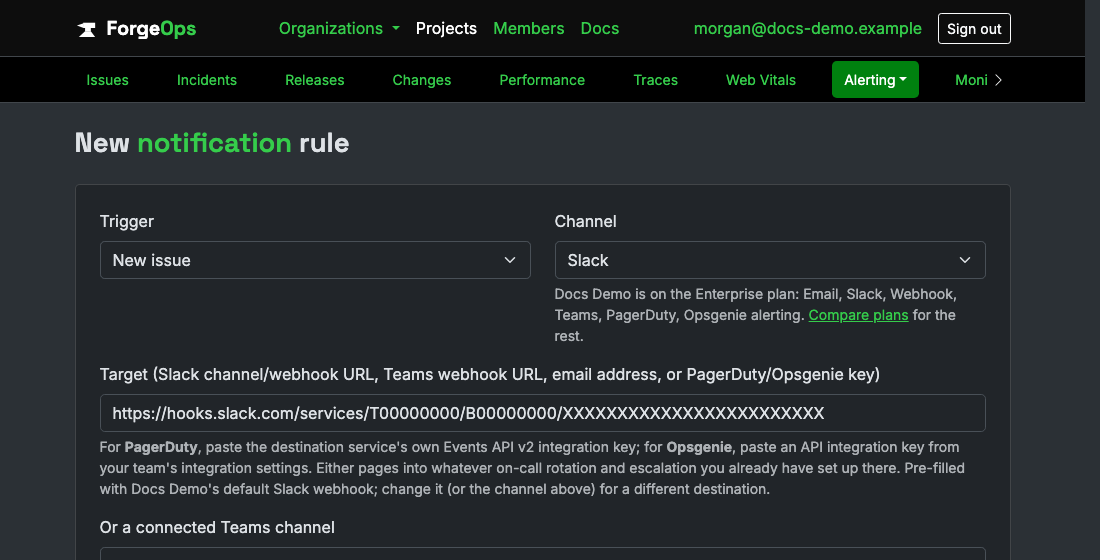
Paste the Workflow webhook URL into the same target field every channel uses.
Never blocks on Teams being slow
Same as every other channel: notification delivery runs in a background job, kicked off after an event's already been grouped and stored, never inline in the request your app made to report the error. A slow or temporarily unreachable Teams destination shows up as a failed delivery you can see, not a delay your users feel.
See it with your own alerts
Free plan included, no credit card required. New organizations start with 14 days of Business.
Get started freeGet