The one channel every plan gets, no setup required
Delivered through the same transactional mailer that already sends invites and password resets; nothing to configure beyond the address itself.
- Included on every plan, Free included: the only channel that isn't gated
- No external account or credentials needed, unlike Slack's webhook
- The same trigger set as every other channel: new issue, regression, spike, missed heartbeat
Nothing to authorize, nothing to configure
An email rule's target is just an email address. There's no webhook URL to generate and no external provider account to create: the app's own mailer (the same one that sends account invites and password resets) delivers it, so it works the moment a rule is saved.
That's also why it's the one channel available on every plan without exception: it costs this app nothing extra to send, the same reason Slack and webhook delivery are free to every plan too.
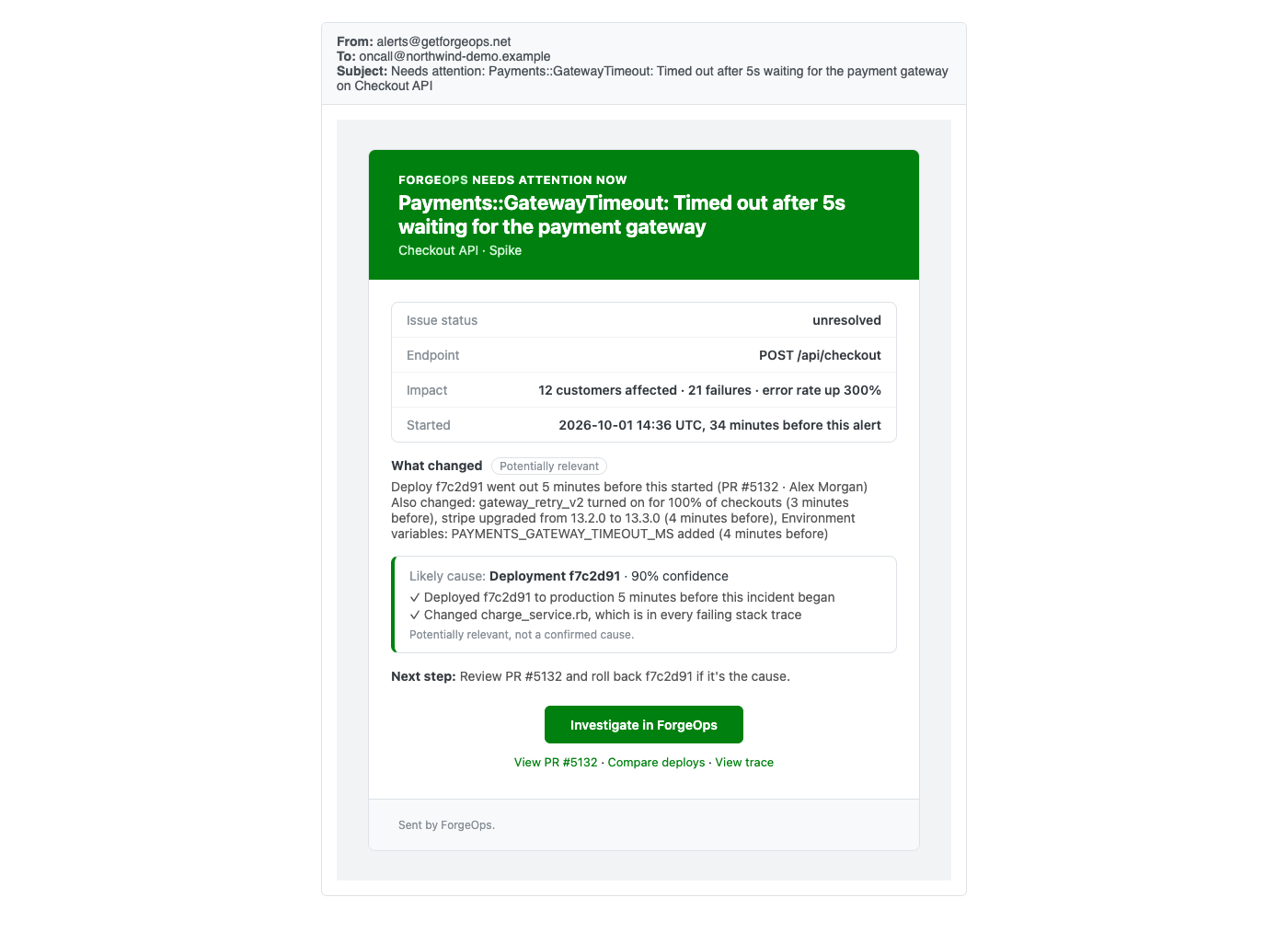
What actually lands in an inbox when a rule fires.
See it with your own alerts
Free plan included, no credit card required. New organizations start with 14 days of Business.
Get started freeGet